
How it works
From swipe to sent
PathBuild scores each job for fit, prepares the application, and submits supported employer forms after you approve. Five steps — and you stay in control of every one.
See your fit
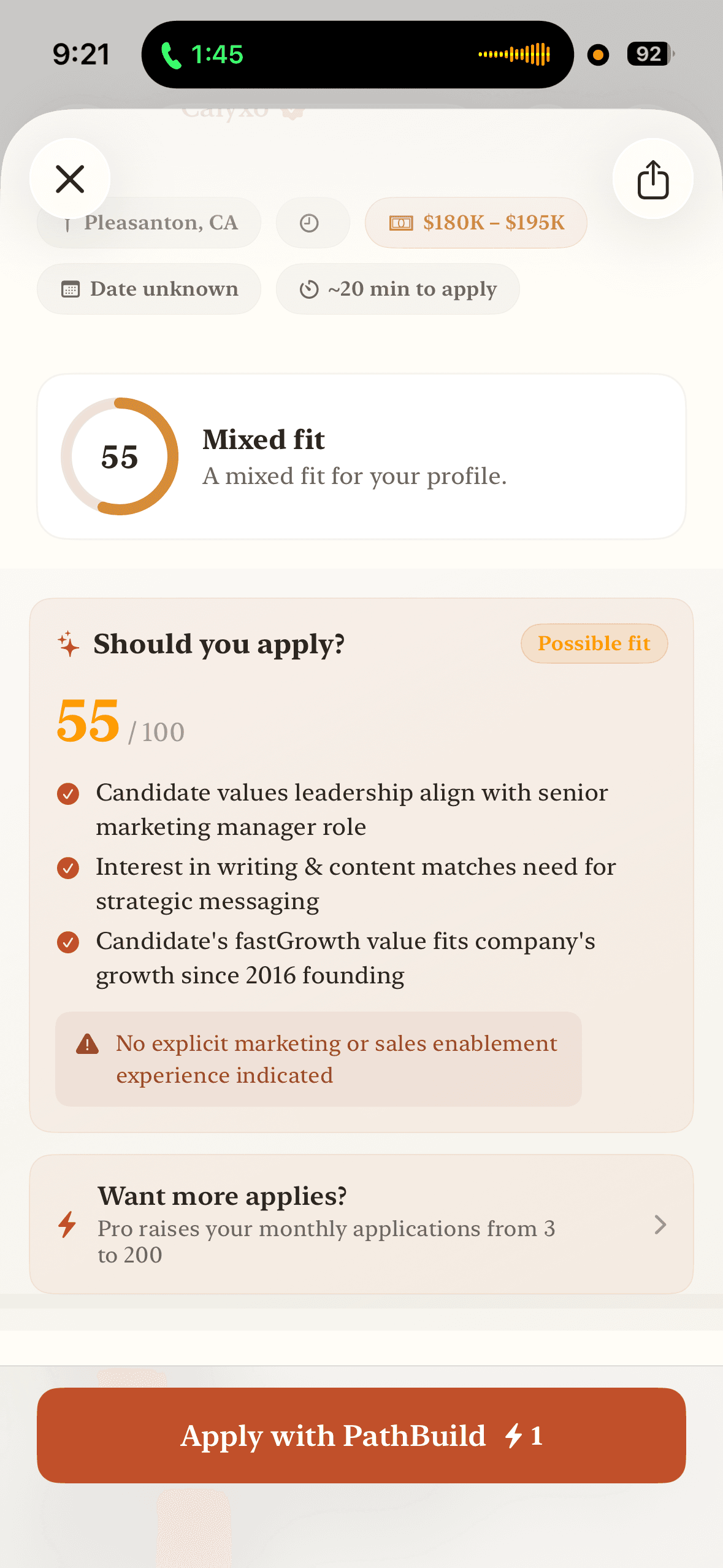
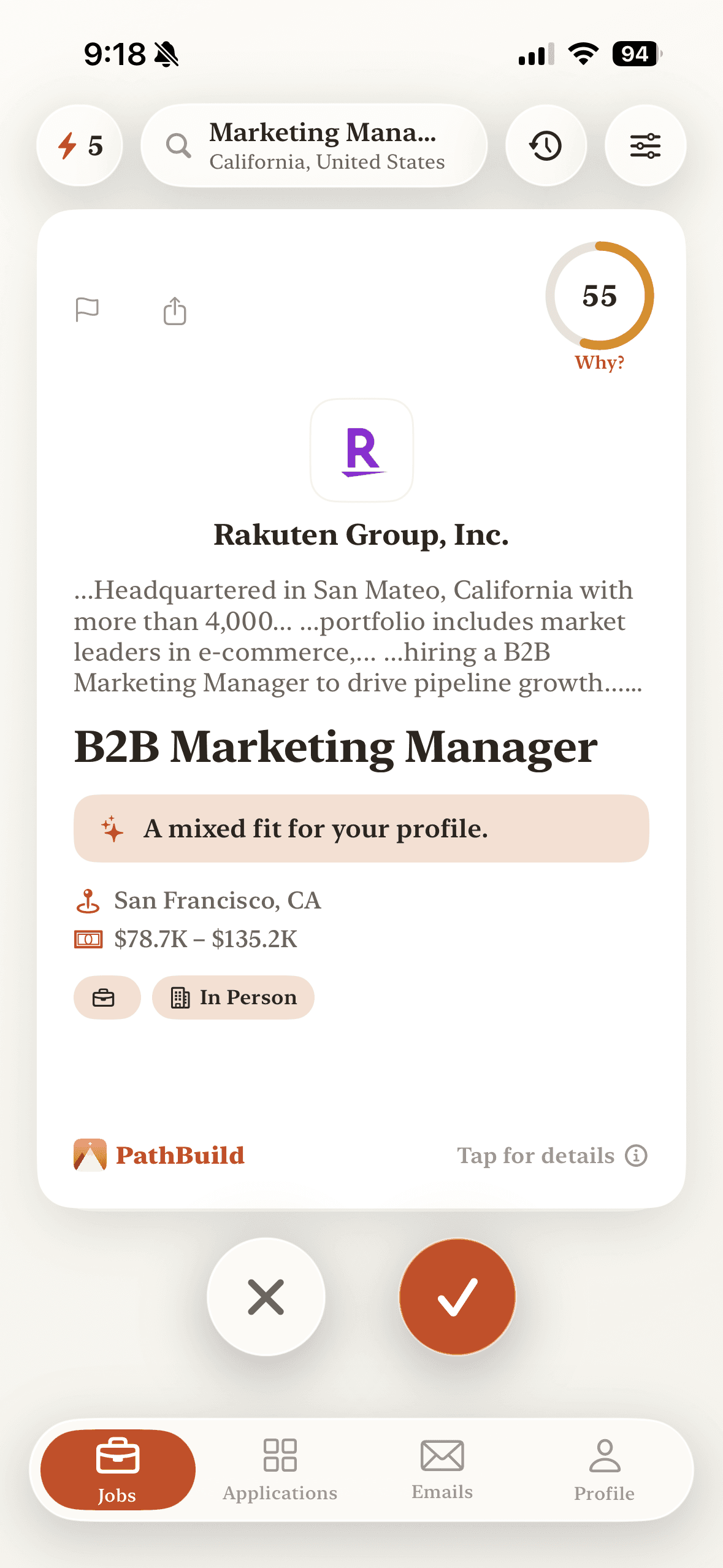
PathBuild scores each job 0–100 against your skills, goals, and preferences, and shows you why — before you spend time applying.
Swipe to apply
Swipe right to add a role to your applications. PathBuild starts preparing it right away. Nothing is submitted yet.
PathBuild prepares it
Your profile and résumé fill the application. PathBuild tailors your materials and highlights anything that's missing.
Review once, approve
See exactly what will be shared with the employer, then approve. You're always in control of what gets sent.
Applied — and tracked
PathBuild submits supported employer forms after your approval, tracks the application, and brings employer replies back into the app.
You approve every application
Nothing is sent until you review exactly what will be shared with the employer. Some roles are external-apply — you finish on the employer's site — or need one quick secure step, like a verification or CAPTCHA.
PathBuild fills supported employer forms for you, tracks the application, and brings employer replies back into the app.